
Clipboard
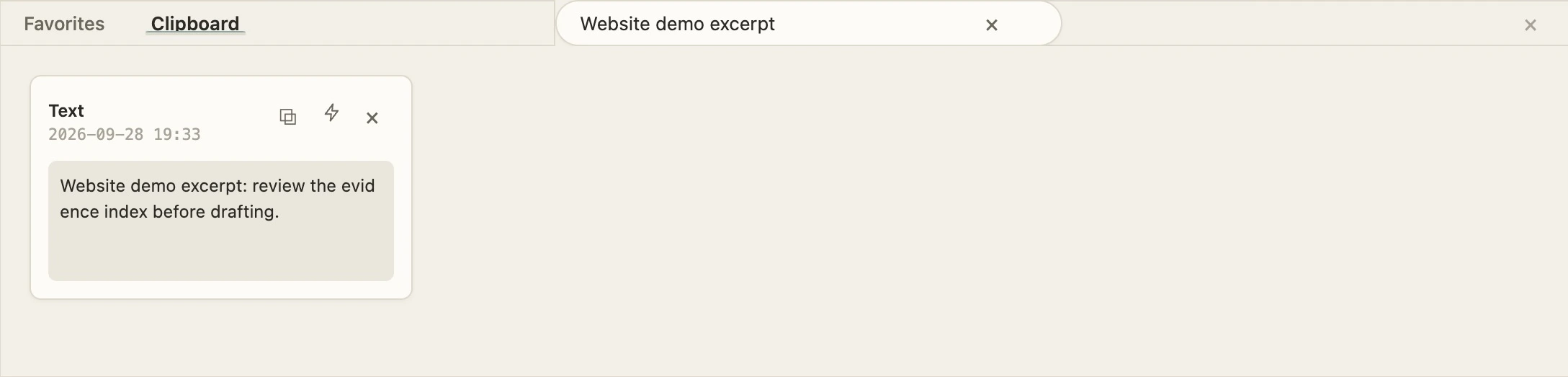
Find saved excerpts, then copy or insert them into a document. This capture is filtered to fictional test text.
AI WORKDECK / THE LEFT SIDE
Manage sources, find a passage and reach for the right tool. Follow the real workspace navigation to discover each entry point.
Real desktop captures · Fictional sample matter · English interface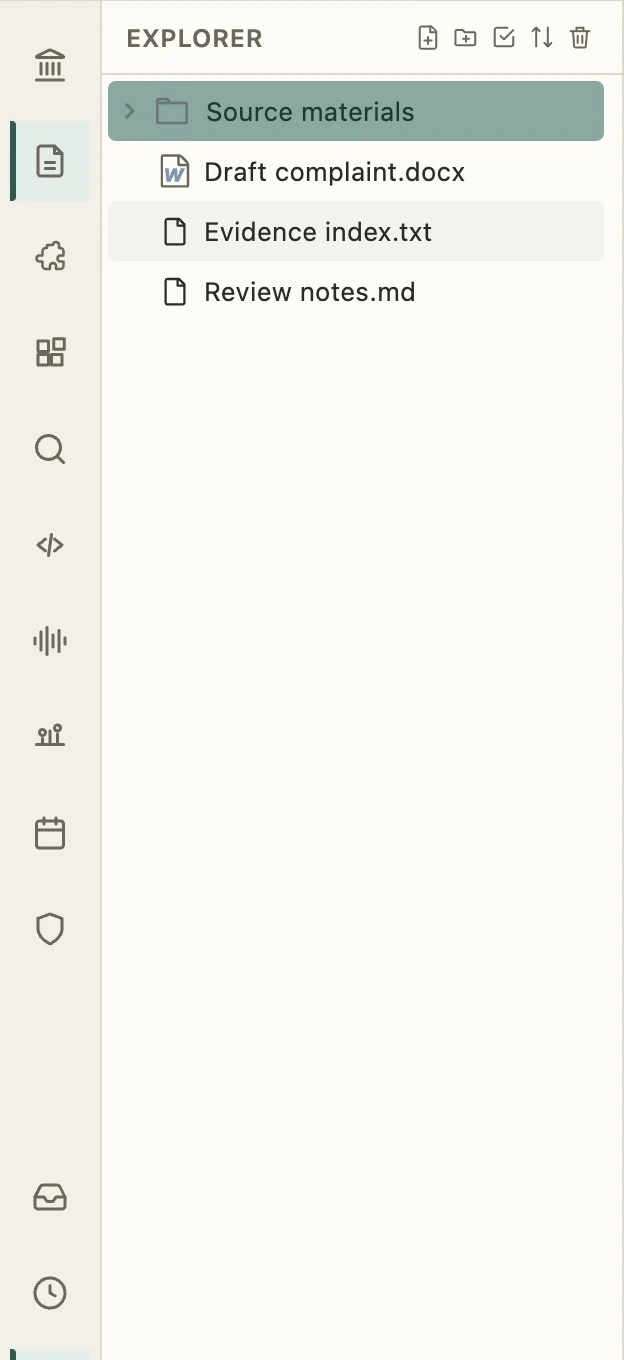
01 / Explorer
The file tree is the entrance to your project. Browse sources, create documents and organize folders, then open a file in the central workspace.
Left rail → Explorer
AT THE BOTTOM / WITHIN REACH
Clipboard and Favorites open from the bottom bar, beneath the editing area.
Find saved excerpts, then copy or insert them into a document. This capture is filtered to fictional test text.
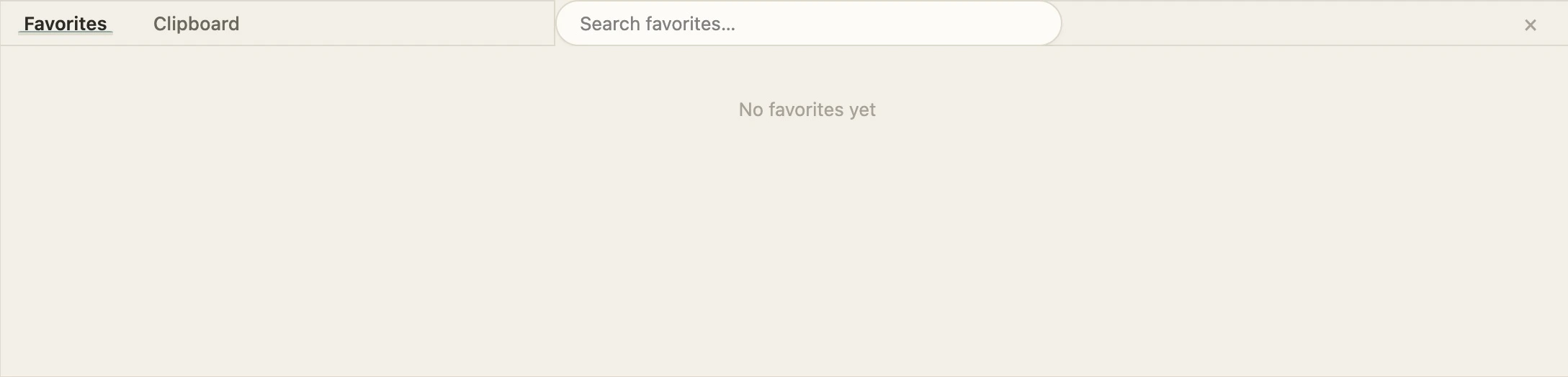
Open Favorites from the bottom bar to revisit saved content. This capture shows the actual empty-list state.
Bring your sources, editor and AI together.
Get started with AI WorkDeck