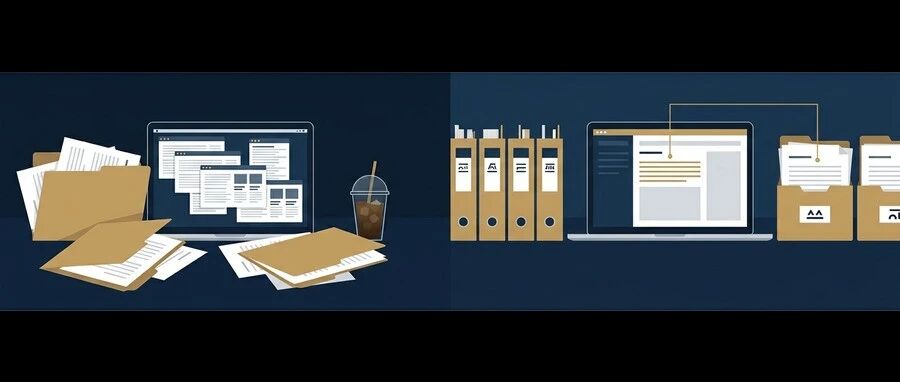
AI WorkDeck · Community Edition

Less switching. More doing.

The AI workspace for lawyers and document professionals. Documents, conversations and research, all in one place.

No installation required · Web preview

AI WorkDeck Community Edition demonstration: project files, document editing and the AI assistant, side by side in one workspace

01 / हर स्रोत, हाथों के बीच

एक फ़ाइल खोलती हैपूरा प्रोजेक्ट।

दस्तावेज़, स्लाइड, PDF, इमेज और ऑडियो सब एक साथ रहते हैं। बाईं ओर के फ़ोल्डर से अपने प्रोजेक्ट को ब्राउज़, प्रीव्यू और प्रबंधित करें।

फ़ोल्डर खोलें → स्रोत चुनें → उसी जगह प्रीव्यू करें

इसके बाद, सहजता से संपादन में आगे बढ़ें
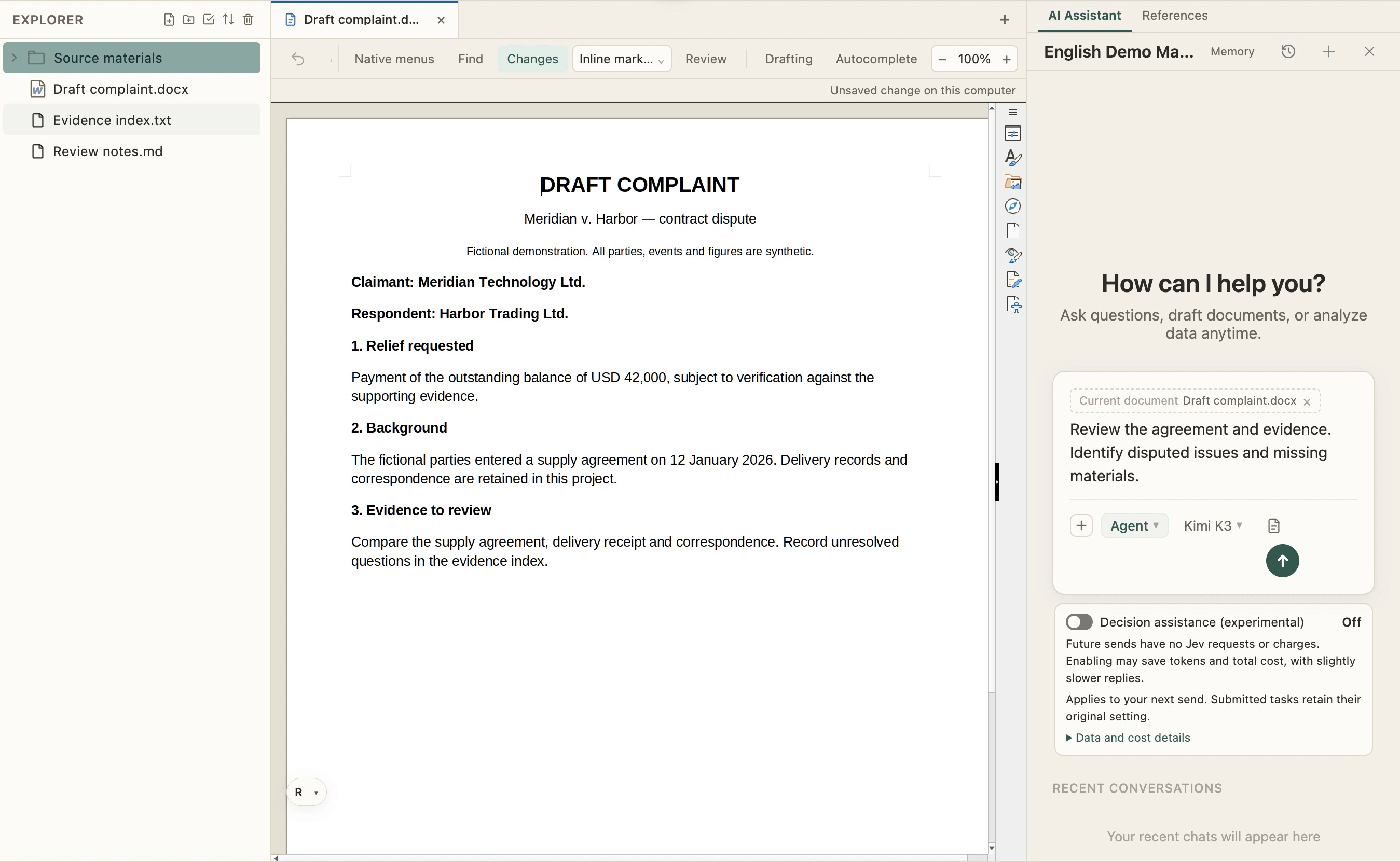
एक्सप्लोरर — AI WorkDeck सैंपल प्रोजेक्ट

02 / पढ़ने से लिखने तक

परिचित लेखन।संपूर्ण संदर्भ।

बीच में दस्तावेज़ों को Word की तरह संपादित, फ़ॉर्मेट और समीक्षित करें। जैसे ही अगला मसौदा तैयार होता है, आपकी स्रोत फ़ाइलें हाथ की पहुँच में रहती हैं।

लिखें और फ़ॉर्मेट करें · ट्रैक बदलाव · समीक्षा करें

दाईं ओर के AI को अपने काम में शामिल करें

दस्तावेज़ संपादक — AI WorkDeck सैंपल प्रोजेक्ट

03 / अपने संदर्भ को काम में लगाएँ

From a conversationto a changed file.

Ask AI to revise the open document using project materials, or organize the folder on the left. The conversation, sources and results share one workspace.

“Revise this paragraph using the contract, then list missing materials.”

There is more to explore, hands on

AI सहयोग — AI WorkDeck सैंपल प्रोजेक्ट

EXPLORE AI WORKDECK

More possibilities, on your left.

Search, redaction, plugins and Skills, with favorites and clipboard close at hand.

Get to know more
Windows · macOS · Open-source community editionView source28 community skills

ARTICLES

See it on real matters

We write product walkthroughs and notes on our WeChat Official Account. Each card opens the full article on WeChat.

Pricing

Simple, Transparent Pricing

CNY 149/month for AI allowance, clipboard, staging and 3GB cloud storage.

Sign up and get $3 in sign-up credits

Master Your Documents. Master Your Future.

Download, install, sign in — two steps and you are working.