AI WorkDeck · コミュニティエディション

Less switching. More doing.

The AI workspace for lawyers and document professionals. Documents, conversations and research, all in one place.

インストール不要 · Webプレビュー

AI WorkDeck Community Edition demonstration: project files, document editing and the AI assistant, side by side in one workspace

01 / EVERY SOURCE, CLOSE AT HAND

One file opensa whole project.

Documents, slides, PDFs, images and audio belong together. Browse, preview and manage your project from the folders on the left.

Open a folder → Select a source → Preview in place

Next, move naturally into editing
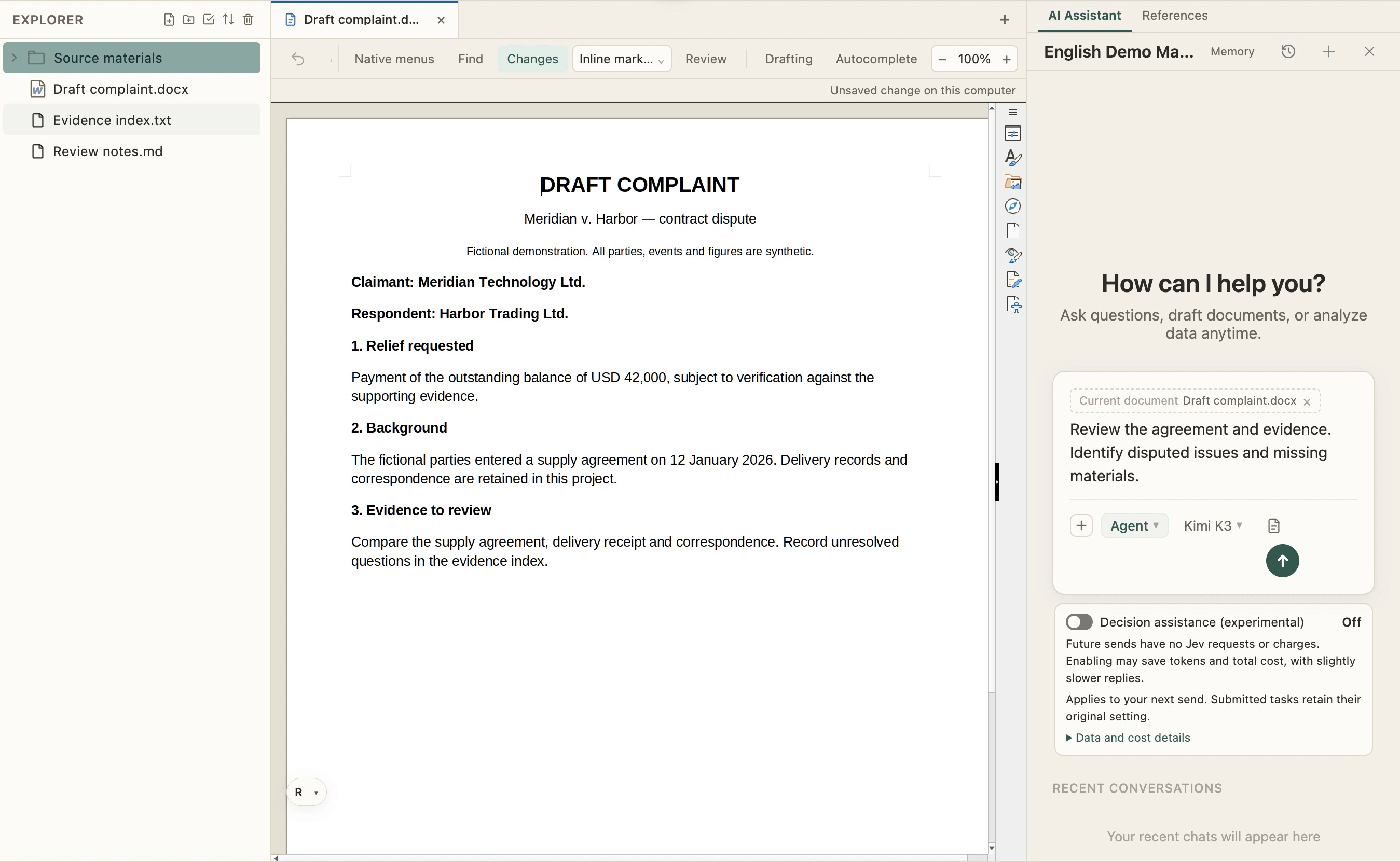
エクスプローラー — AI WorkDeck sample project

02 / FROM READING TO WRITING

Familiar writing.All the context.

Edit, format and review documents in the middle, just as you would in Word. Your source files stay within reach as the next draft takes shape.

Write and format · Track changes · Review

Bring the AI on your right into the work

Document editor — AI WorkDeck sample project

03 / PUT YOUR CONTEXT TO WORK

From a conversationto a changed file.

Ask AI to revise the open document using project materials, or organize the folder on the left. The conversation, sources and results share one workspace.

“Revise this paragraph using the contract, then list missing materials.”

There is more to explore, hands on

AI collaboration — AI WorkDeck sample project

EXPLORE AI WORKDECK

More possibilities, on your left.

Search, redaction, plugins and Skills, with favorites and clipboard close at hand.

Get to know more
Windows · macOS · Open-source community editionView source28 community skills

記事

実際の案件での活用例

製品の使い方ガイドやノートをWeChat公式アカウントで発信しています。各カードをクリックすると、WeChat上の記事全文が開きます。

料金

シンプルで透明な料金プラン

月額149元でAI利用枠、クリップボード、ステージング、3GBのクラウドストレージをご利用いただけます。

サインアップして$3分のサインアップCreditsを受け取ろう

書類を制する者は、未来を制す。

ダウンロード、インストール、サインインの2ステップで、すぐに作業開始できます。