Bộ nhớ tạm (Clipboard)
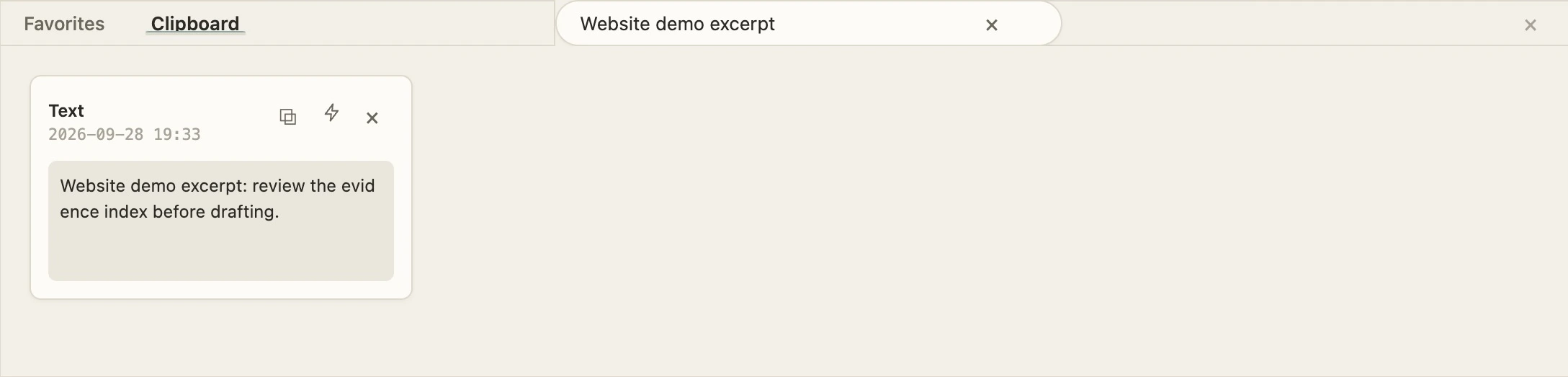
Find saved excerpts, then copy or insert them into a document. This capture is filtered to fictional test text.

AI WORKDECK / THE LEFT SIDE
Manage sources, find a passage and reach for the right tool. Follow the real workspace navigation to discover each entry point.
Real desktop captures · Fictional sample matter · English interface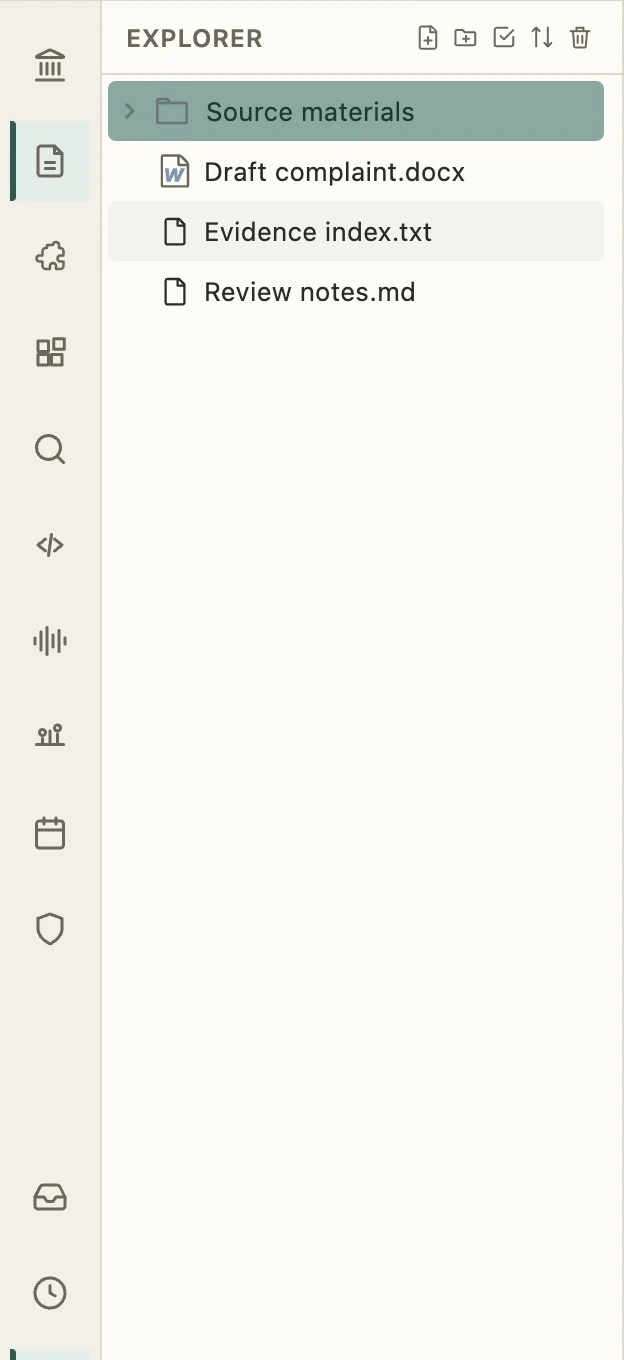
01 / Explorer
Cây thư mục là cửa ngõ vào dự án của bạn. Duyệt các nguồn tài liệu, tạo tài liệu và sắp xếp thư mục, sau đó mở tệp trong không gian làm việc trung tâm.
Thanh trái → Explorer
Ở PHÍA DƯỚI / TRONG TẦM TAY
Clipboard and Favorites open from the bottom bar, beneath the editing area.
Find saved excerpts, then copy or insert them into a document. This capture is filtered to fictional test text.
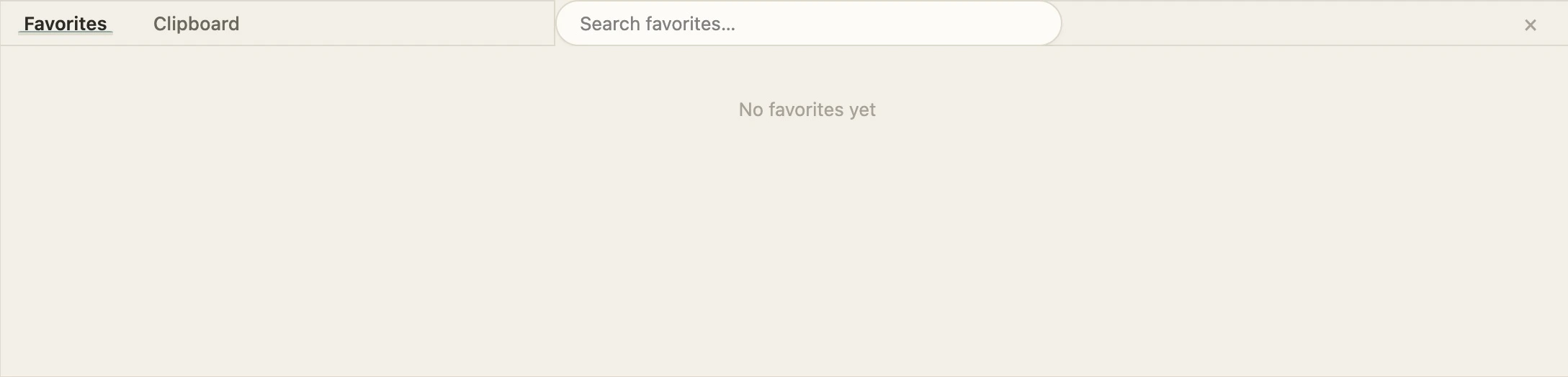
Open Favorites from the bottom bar to revisit saved content. This capture shows the actual empty-list state.
Bring your sources, editor and AI together.
Get started with AI WorkDeck