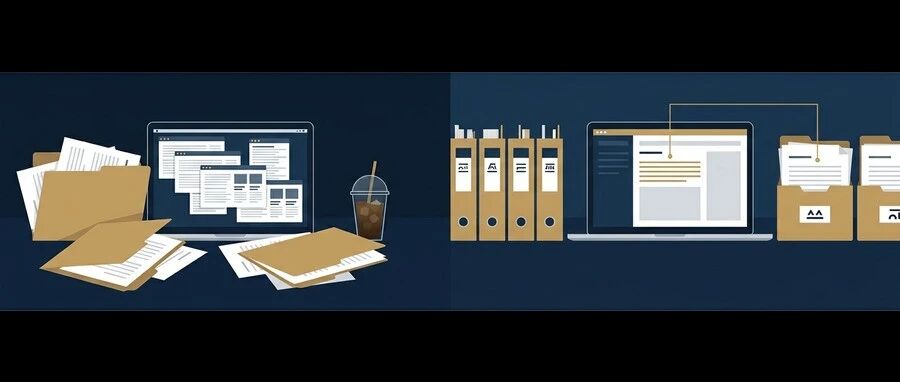
AI WorkDeck · 社區版

Less switching. More doing.

為法律人與文件工作者打造的 AI 工作台。文件、溝通、研究,在同一個空間裡有序展開。

No installation required · Web preview

AI WorkDeck Community Edition demonstration: project files, document editing and the AI assistant, side by side in one workspace

01 / EVERY SOURCE, CLOSE AT HAND

One file opensa whole project.

Documents, slides, PDFs, images and audio belong together. Browse, preview and manage your project from the folders on the left.

Open a folder → Select a source → Preview in place

接下來,在中間直接編輯
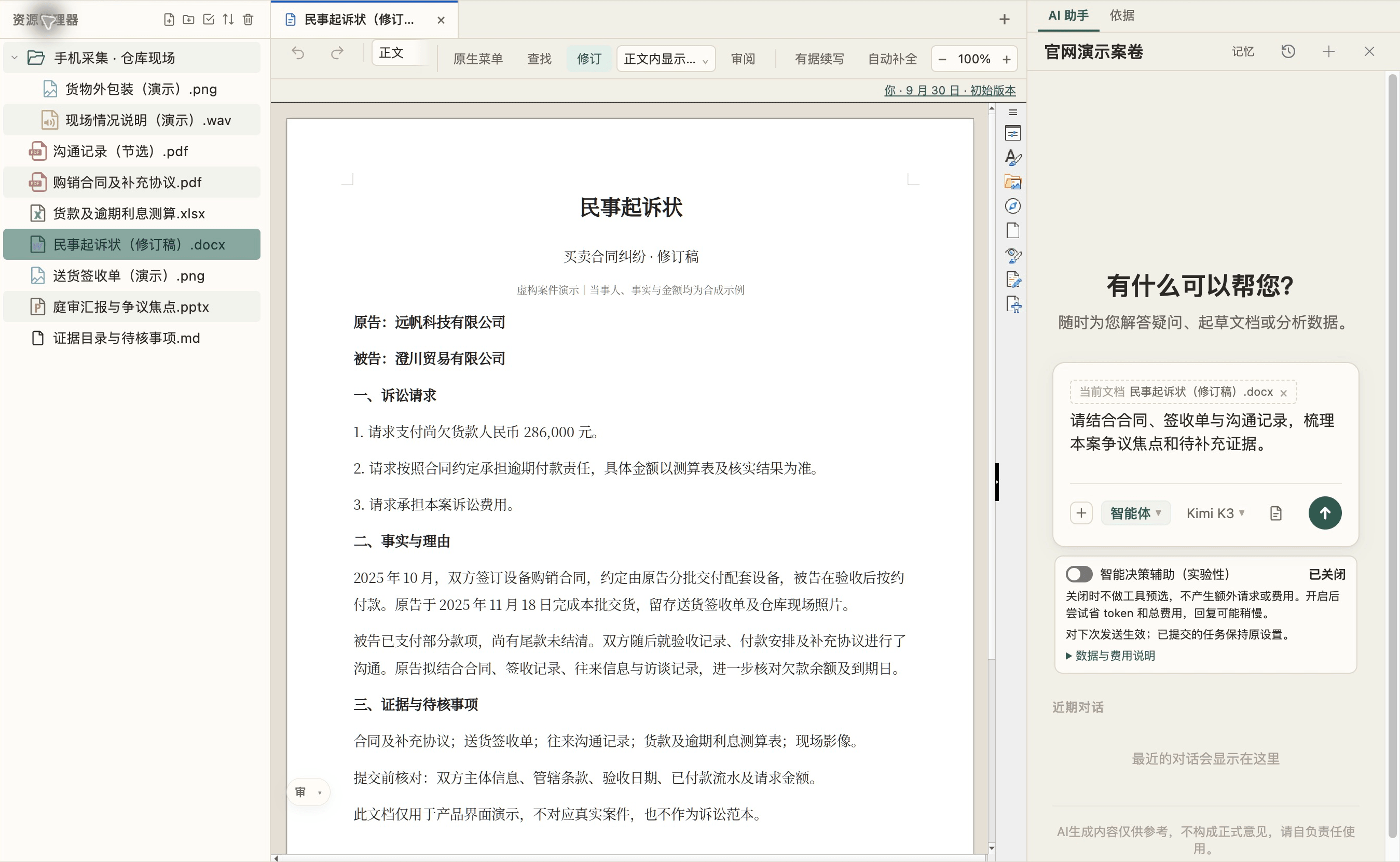
資源管理員 — AI WorkDeck sample project

02 / 從查看,順勢進入編輯

熟悉的寫作方式,完整的工作上下文。

像使用 Word 一樣,在中間直接編輯文件、調整格式和審閱修訂。左邊的資料隨時可查,正在寫的內容始終在眼前。

正文編輯 · 格式排版 · 修訂審閱

再把右手邊的 AI 加入工作

文件編輯 — AI WorkDeck sample project

03 / 資料與文件,交給 AI 一起處理

從一句話,到檔案裡的改變。

讓右側 AI 結合專案材料修改當前文件,或整理左側資料夾裡的內容。對話、資料和結果,在同一張工作台上銜接起來。

「結合合約修改這一段,再整理待補充材料。」

還有更多,等你親手點開

AI 協作 — AI WorkDeck sample project

繼續探索 AI WorkDeck

工作台的更多可能,就在左手邊。

搜尋、去識別化、外掛與 Skill,以及隨手可用的收藏夾和剪貼簿。

了解更多 · 左側功能
Windows · macOS · Open-source community editionView source28 community skills

ARTICLES · 實錄

看看它在真實案子裡怎麼用

我們在公眾號寫產品實錄與思考。點開卡片,在微信公眾號閱讀全文。

Pricing

Simple, Transparent Pricing

CNY 149/month for AI allowance, clipboard, staging and 3GB cloud storage.

Sign up and get $3 in sign-up credits

萬卷歸一,運籌帷幄

下載、安裝、登入——兩步之內開始。